CalSyncSaaS
Google Sheets to iCloud Calendar.Synced Automatically.
Synchronize your follow-up schedules, FORD conversation logs, and sales tasks from Google Sheets directly to your Apple iCloud Calendar in real time.
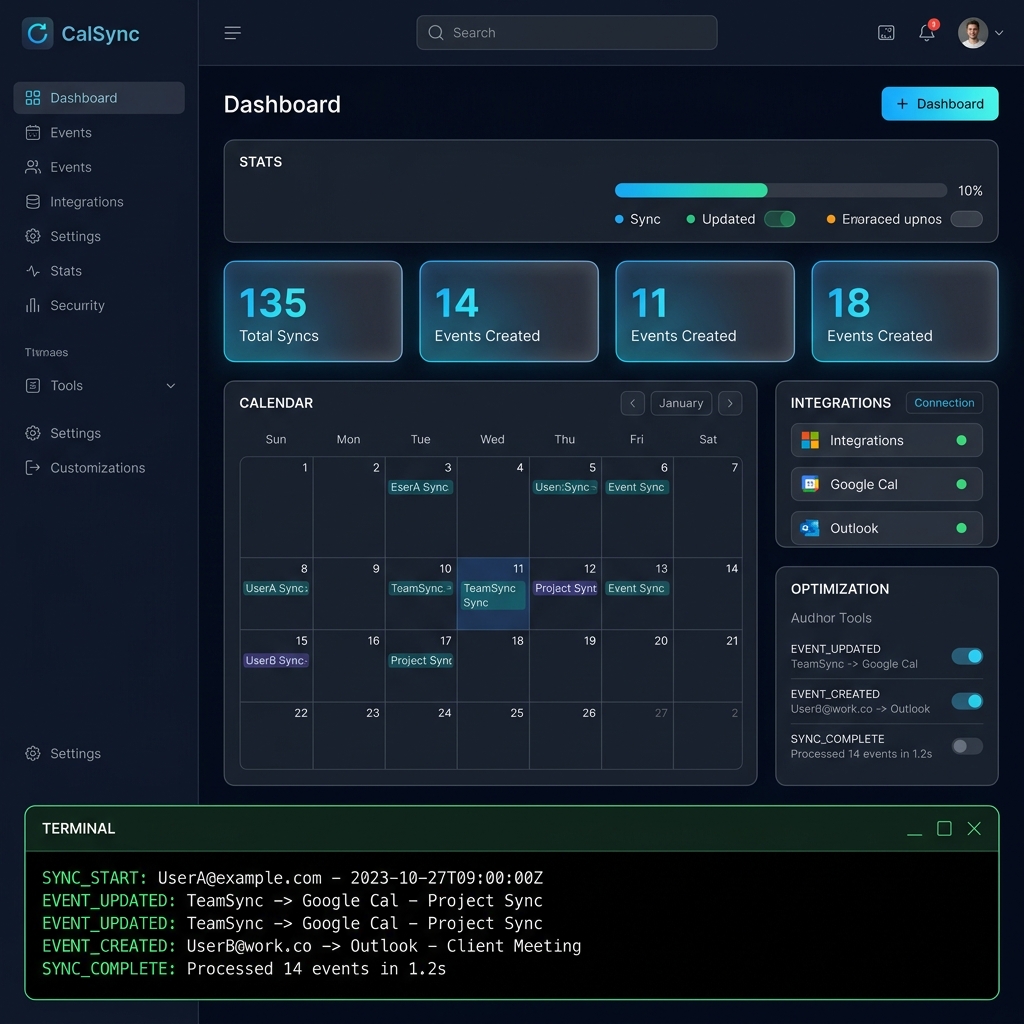
Visual Sync Engine
See how CalSync translates standard Google Sheet records directly into structured iOS Calendar follow-up events instantly.
Full-Featured Sync Engine
Designed to make calendar coordination robust, secure, and completely backgrounded.
Background Daemon
Configure background intervals (15 mins, hourly, or daily) and let our active sync agent run operations continuously.
AES-256 Encryption
iCloud App-Specific Passwords are encrypted with industrial standard AES-256 before write-to-storage.
Execution History
Get logs and telemetry outputs for every sync execution. View exactly what events succeeded, warn, or failed.
Webhook Triggering
Integrate with external triggers. Fire custom webhooks to update calendars on-demand from Make, Zapier, or N8N.
Three Simple Steps
Start automating follow-up tasks in less than five minutes.
Add your iCloud Credentials
Generate an Apple App-Specific Password and connect your iCloud account address securely in your dashboard profile.
Connect Google Sheets
Paste your spreadsheet URL, ensuring sharing is toggled so the service can read rows (Anyone with link → Viewer).
Configure and Run
Select a background sync interval, click Sync Now to initialize, and watch events sync right to your devices automatically.
Pricing Plans
Choose a plan that matches your calendar sync requirements. Transparent SaaS plans.
Starter
For individuals looking to synchronize their personal follow-up spreadsheets.
- 1 Connected iCloud Account
- 1 Google Sheet Source
- Daily Sync Interval
- —Webhook triggers (Pro only)
Professional
For business builders, agencies, and teams handling active follow-up processes.
- Unlimited Connected Accounts
- Unlimited Google Sheet Sources
- 15-Minute Sync Interval
- Full Webhook Trigger APIs
- Priority Server Support
Frequently Asked Questions
Everything you need to know about credentials security and sheet syncing.